.png?width=140&height=37&name=BLAZE-Logo-Blue%20(2).png)
In the Brands & Vendors section, create profiles for all your brands & vendors. This will enable you to attach brands & vendors to products and/or purchase orders.
Types of Brands
Brands are a further way to organize your product list. When it comes to your product list, a brand would be the name of the company that produces the product. A vendor is generally u
Add a Brand or Vendor
-
Go to Products > Brands & Vendors
-
Click on “Add brand/vendor” at the top right corner.
-
Type in the name of the vendor or brand. Include a description and contact information. The description would be information about what you would typically buy from this vendor brand
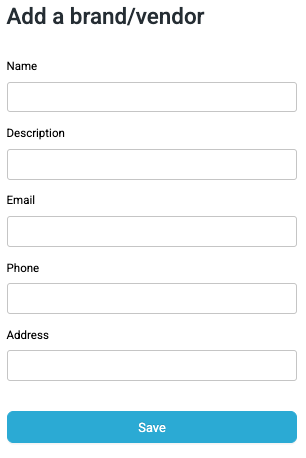
You'll now be able to attach any of your brands/vendors to products and/or purchase orders.
Edit, Delete, View
To edit or delete a brand or vendor, click on the three vertical dots at the right of the brand & vendor row.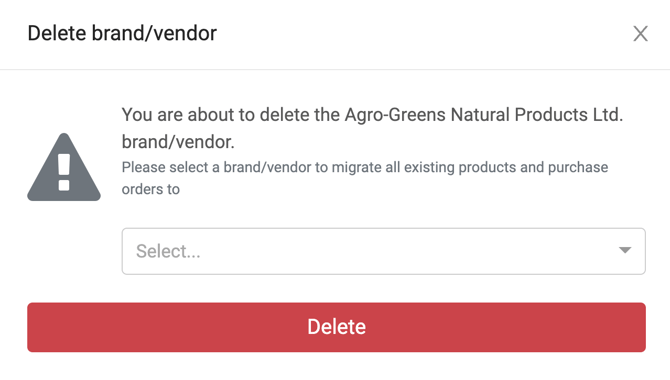
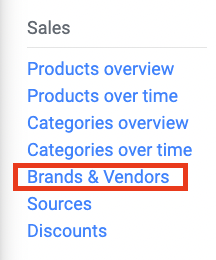
To view vendors reports from your dashboard go to Reports > Analytics > Brands & Vendors.