.png?width=140&height=37&name=BLAZE-Logo-Blue%20(2).png)
Before you can start using SMS Campaigns you will need to submit your 10DLC form.
This only needs to be submitted once per store group. If you have multiple stores in your group, you can select any store and proceed with the steps below:
Inside of Growth select Configuration from the left side bar. 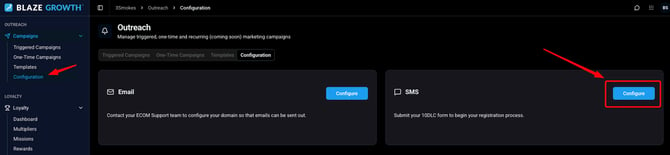
A modal will open up with several pages to be filled out. Most fields will already be populated with your business information in the form. The form will need to be filled out in its entirety before you can move on the next page. Once completed please click submit.
Please make sure to verify your Business Tax ID(EIN Number). Incorrect information will cause a delay in your submission.
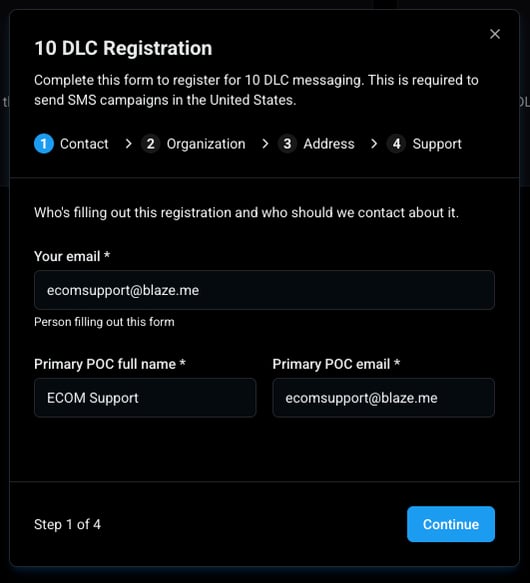
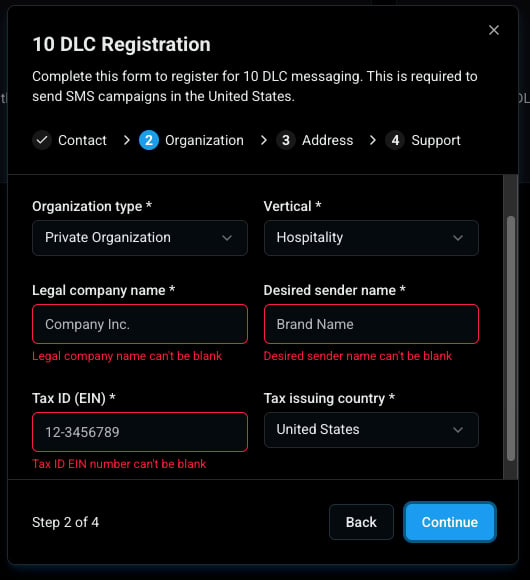
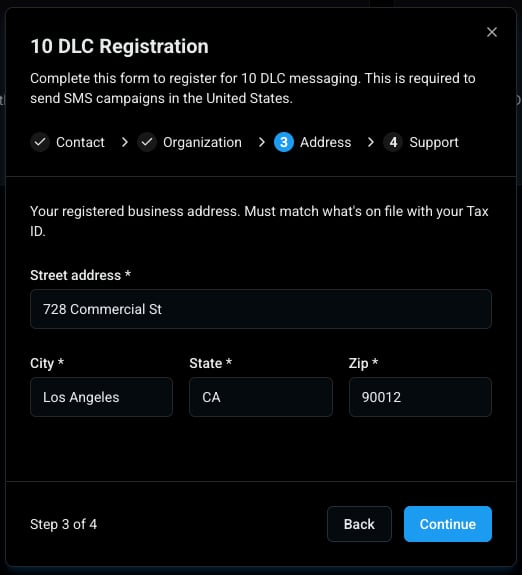
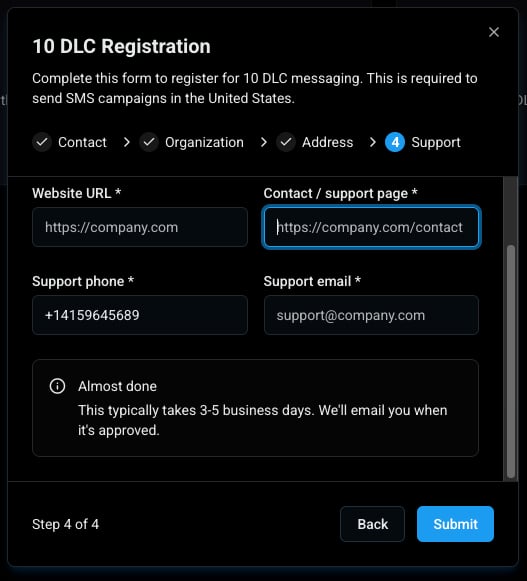
We will notify you when your application has been approved and SMS Outreach is fully available for use. If your application is not approved, we will outline the required corrections so you can update and resubmit your information.
Learn more about Growth
If you have any questions please reach out to ECOM Support at
ecomsupport@blaze.me