.png?width=140&height=37&name=BLAZE-Logo-Blue%20(2).png)
Navigation
To access report scheduling for insights, follow this path in your dashboard:
Insights > Broadcasts

Filtering Report Data
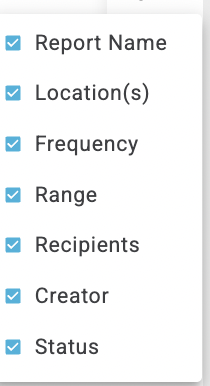
You can customize the data displayed on your dashboard by applying specific filter parameters. Selecting the following options will help you narrow down and locate your broadcast report

- Report Name: Filter by the specific title of the report.
- Location(s): View broadcasts tied to particular locations or regions.
- Frequency: Sort by how often the report is generated or sent (e.g., daily, weekly, monthly).
- Recipient(s): Search for broadcasts sent to specific users via email.
- Creator: Find reports configured by a specific team member.
- Received Date: Filter reports based on the exact date they were generated and delivered.
Actions
-
Create Broadcast

-
Click this button from the dashboard to set up, configure, and schedule a new automated report.
-
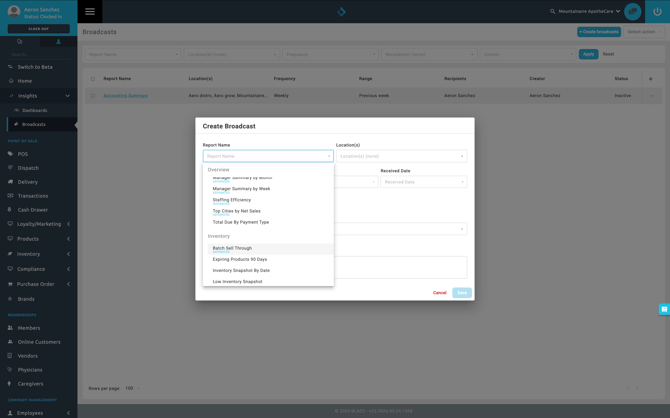
-
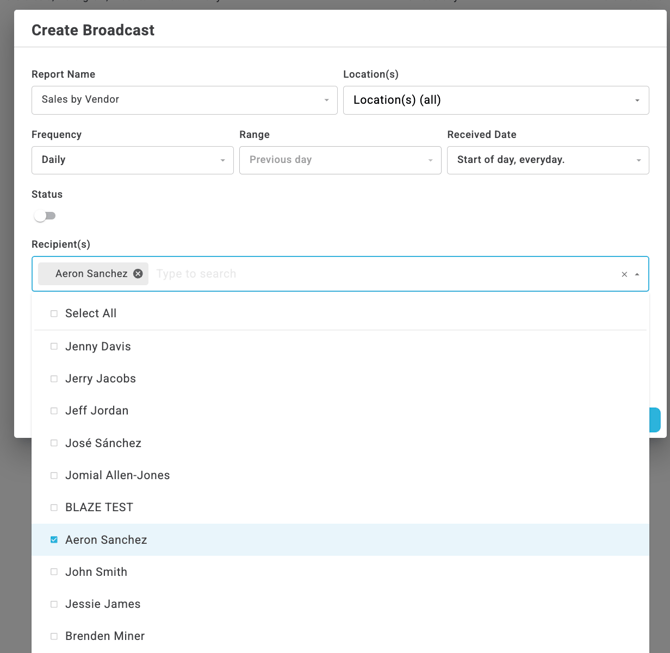
Report Name : Select the report you intend to schedule for broadcast.
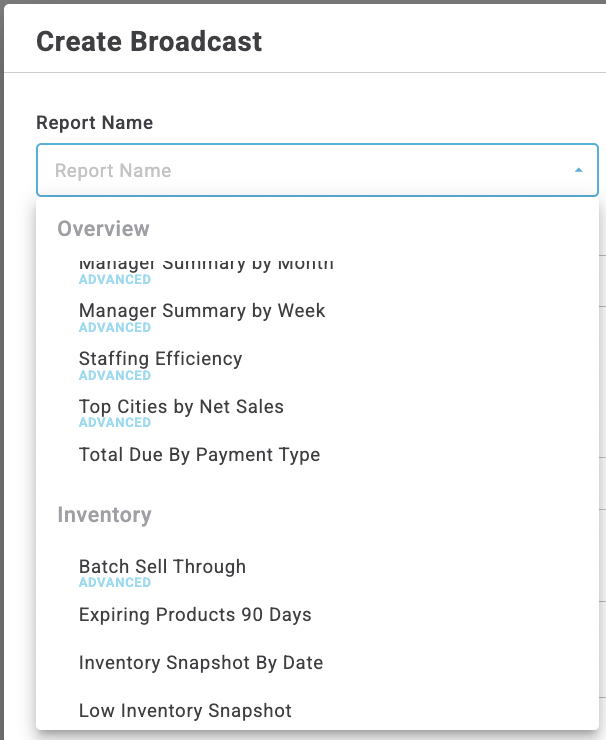
-
Location(s): Select the locations you intend to derive data from.
-
Frequency: Select the frequency you intend to generate the report for.
-
Range: Define the specific date range for the report data.
-
Received Date: Define the day/time reports are sent and recieved.
-
Recipent(s): Assign broadcasts to be sent to specific users via email.
Settings